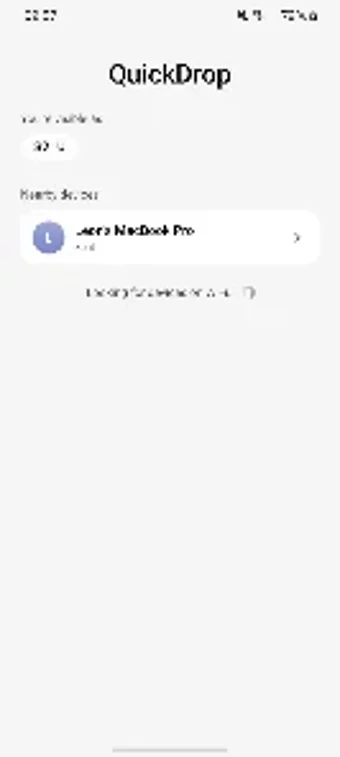
Wireless Android-to-Mac transfers over local Wi‑Fi with QuickDrop
Send photos, videos, and documents from Android to Mac over your local Wi‑Fi using QuickDrop - Mac File Transfer, pairing the mobile app with a macOS receiver. Leon Böttger built the utility to remove cable and cloud steps, integrating with Android’s Share menu for immediate access. The app uses a local network protocol for privacy and high transfer speed, and targets Android users who regularly move media and documents to a Mac without extra setup.
How QuickDrop moves files between Android and Mac
QuickDrop transfers files over the local Wi‑Fi network to a companion receiver app on macOS, so data never leaves the local network. The app integrates with Android’s native Share menu, letting you select photos, videos, or documents from any app and send them directly. Multiple files can be selected and sent together, which supports batch transfers of photos or document collections in a single operation.
Does it impact system resources or transfer speed?
The tool offloads heavy work to the local Wi‑Fi connection, so transfer speed is constrained by your network rather than the phone or Mac CPU. The mobile client is described as lightweight and does not require background resources when idle. Because transfers stay on the LAN, throughput matches your Wi‑Fi capacity and avoids mobile data usage.
Is it safe and easy to set up for everyday users?
Setup uses a simple pairing process between the Android app and the Mac receiver, requiring no account or cloud sign‑in. The local‑only transfer protocol keeps files within your network for privacy. The interface is minimalist, and integration with the Share menu removes extra steps, which reduces the technical knowledge needed to start sending files.
QuickDrop suits Android users who need fast local transfers, with one caveat
QuickDrop is a suitable option for Android owners who want quick, private transfers to a Mac without cables or cloud accounts. It favors straightforward operation and low resource use, so it works well for routine media and document moves. The single caveat: a macOS receiver must be running to accept files, which adds one dependency to the workflow.